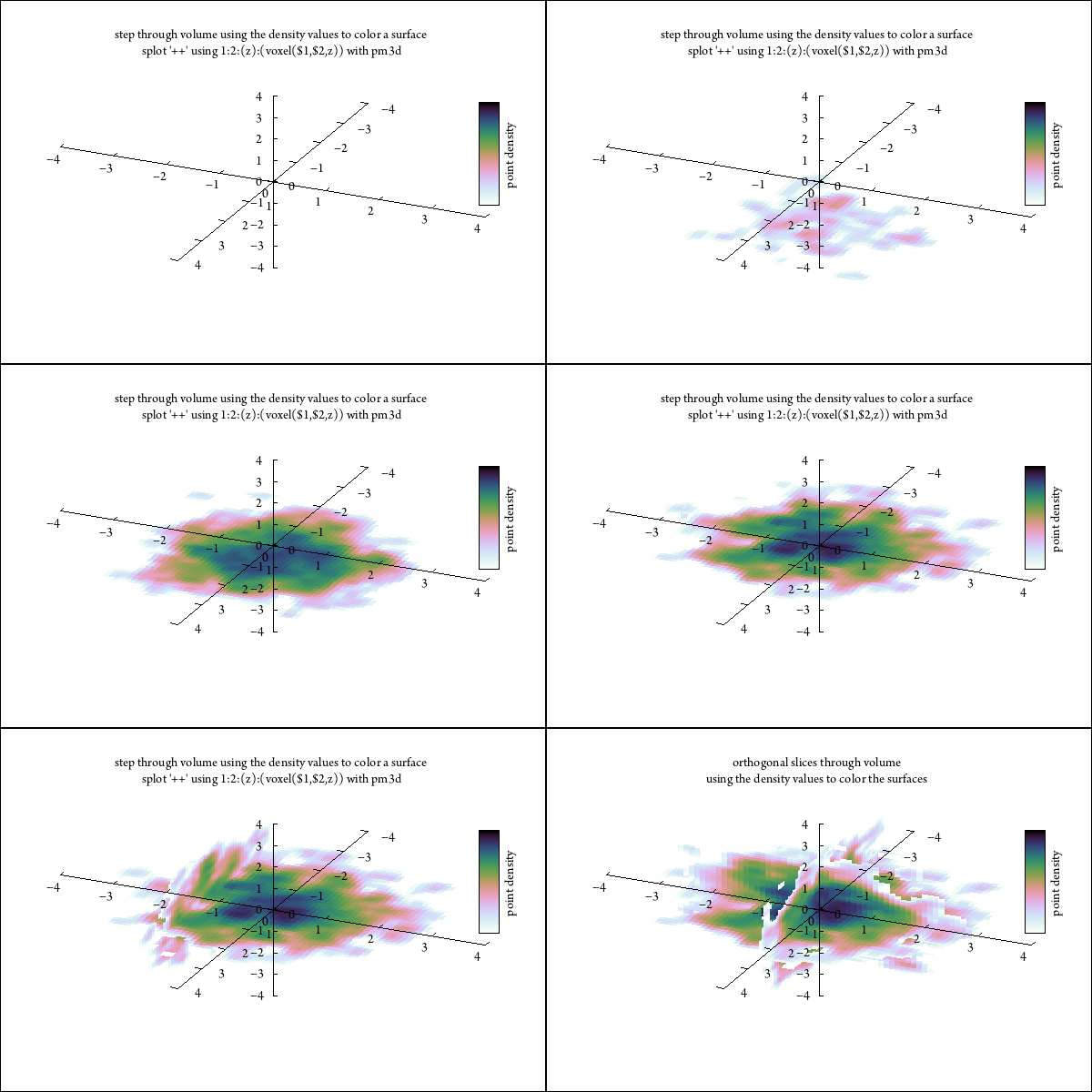
- Gnuplot 5.4 supports the use of voxel grids in which every point ("voxel") in a regular 3D lattice is assigned a value. It provides several modes for visualizing the voxel data, but these can all be considered work in progress. Displaying voxel data is hard!
- Crystallographers generally compromise by displaying a single isosurface derived by contouring the continuous electron density values in a voxel grid that is a Fourier transform of their diffraction data. That kind of isosurface representation is less useful for visualizing an arbitrary voxel grid. Here are a couple of alternative visualizations that use palette colors mapped from voxel values onto points or onto 2D planes through the volume.
-
These are gif animations.
If you see only a static image, try loading the animated gif into a
separate new browser tab.
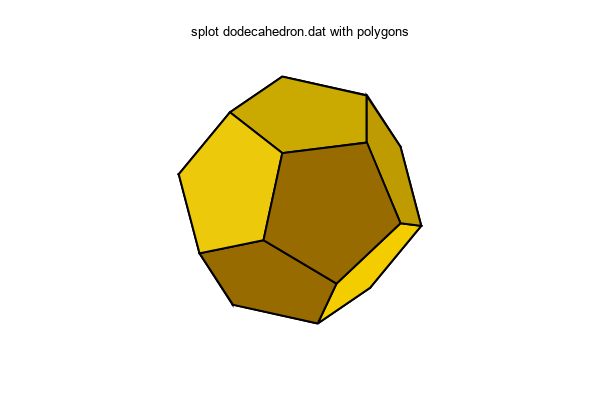
- 3D plotting mode "with polygons" lets you build an arbitrary polygon or surface from faces whose vertex coordinates are read from a data file.
- As you know, my life is spent in atomic coordinate space more than in geographic latitude/longitude space. But maps are sooo nice for conveying information tied to specific locations. Here is a proof-of-principle demonstration of pulling geographic coordinates from a standard format (GEOJSON) file and using them to create a map in gnuplot.
- data file from the geojson project pages: US states as multipolygon features
- I don't yet have a real parser for this format, so I used a stupid ed
script to place each vertex on a line of its own.
json_to_dat: #!/bin/bash sed -e "s/] ] ]/] ]/g" | \ sed -e "s/]/\n/g" | \ sed -e 's/coordinates":/coordinates":\n/' | \ sed -e 's/^[,]*[ \[]*//' | \ sed -e "/}$/d" - Then I can plot it in either 2D (plot ... with filledcurves)
or 3D (splot ... with polygons). Here is a 2D jiffy plot:
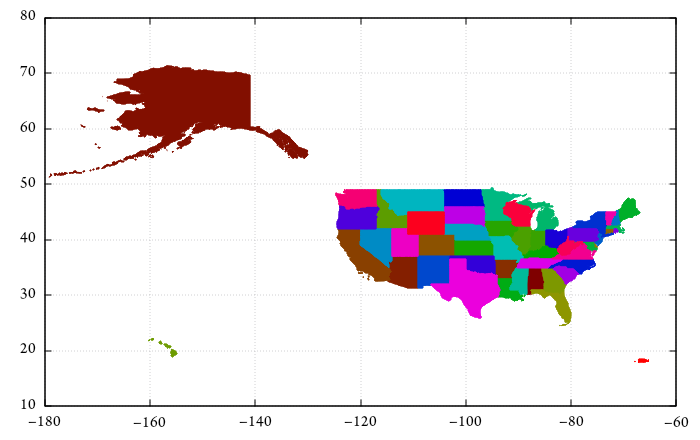
$ json_to_dat < gz_2010_us_040_00_5m.json > USA.dat $ gnuplot set palette model HSV defined (0 "#00ff7f", 1 "#ffffff") set cbrange [0:51] unset colorbox set xrange [-180:-60] set yrange [10:80] set datafile commentschar "{" unset key plot for [i=0:*] 'USA.dat' skip 3 index i with filledcurves fc palette cb i - OK, that projection sucks. But wait, gnuplot can now do map projections.
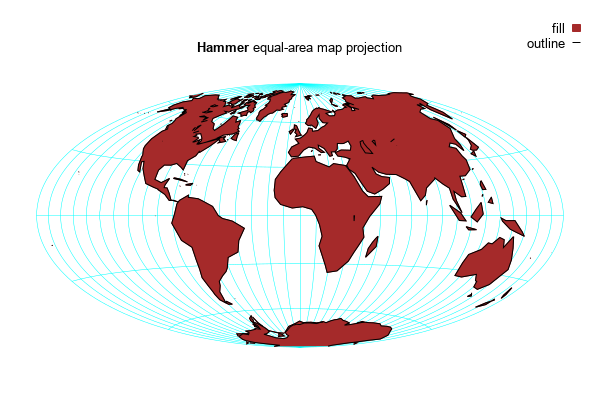
To the right is one of the samples from the on-line demo collection:
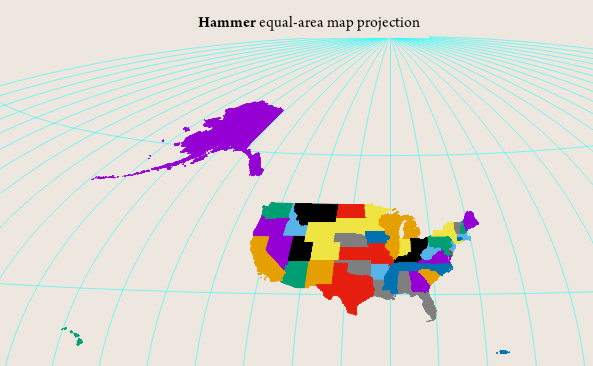
- Now I just need to combine the two capabilites.
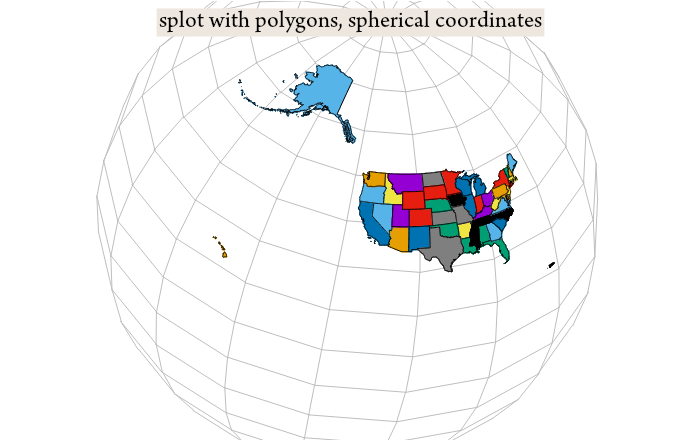
- And finally, the same data plotted in spherical coordinates
onto a globe, using splot with polygons.